What is a 10 minute email?
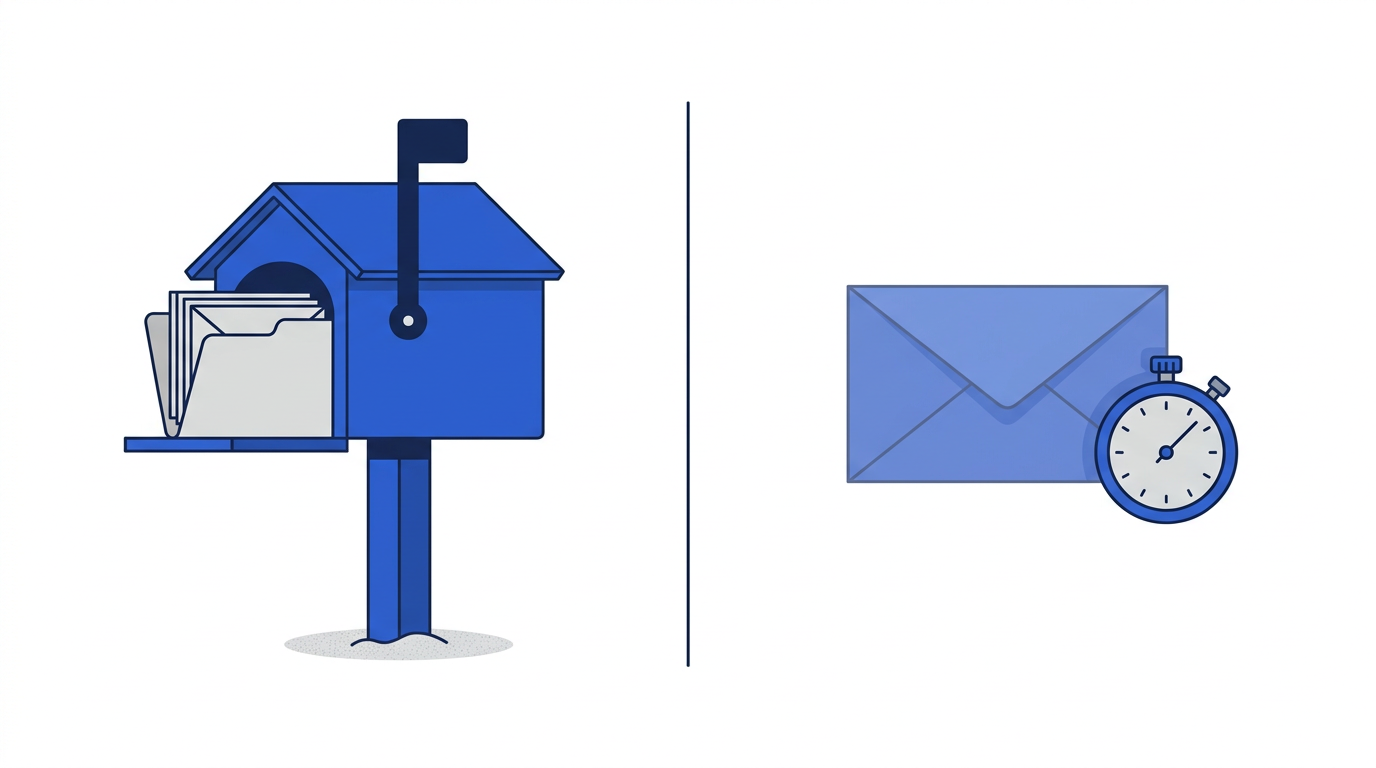
A 10 minute email is a real, working email address that only exists for a short time. When you open 10minemails.com, a random address is created for you on the spot. There is nothing to fill in and nothing to remember: the address is ready before you finish reading this sentence. Any message sent to it shows up in the inbox on this page within seconds, and when the timer runs out the address stops accepting mail and everything in it is permanently deleted.
You may have seen the same idea under other names: temp mail, disposable email, throwaway email, burner email, fake email generator or trash mail. They all describe the same thing, an inbox you can use once and walk away from. It is the email equivalent of giving a shop a phone number that rings a payphone instead of your own mobile.
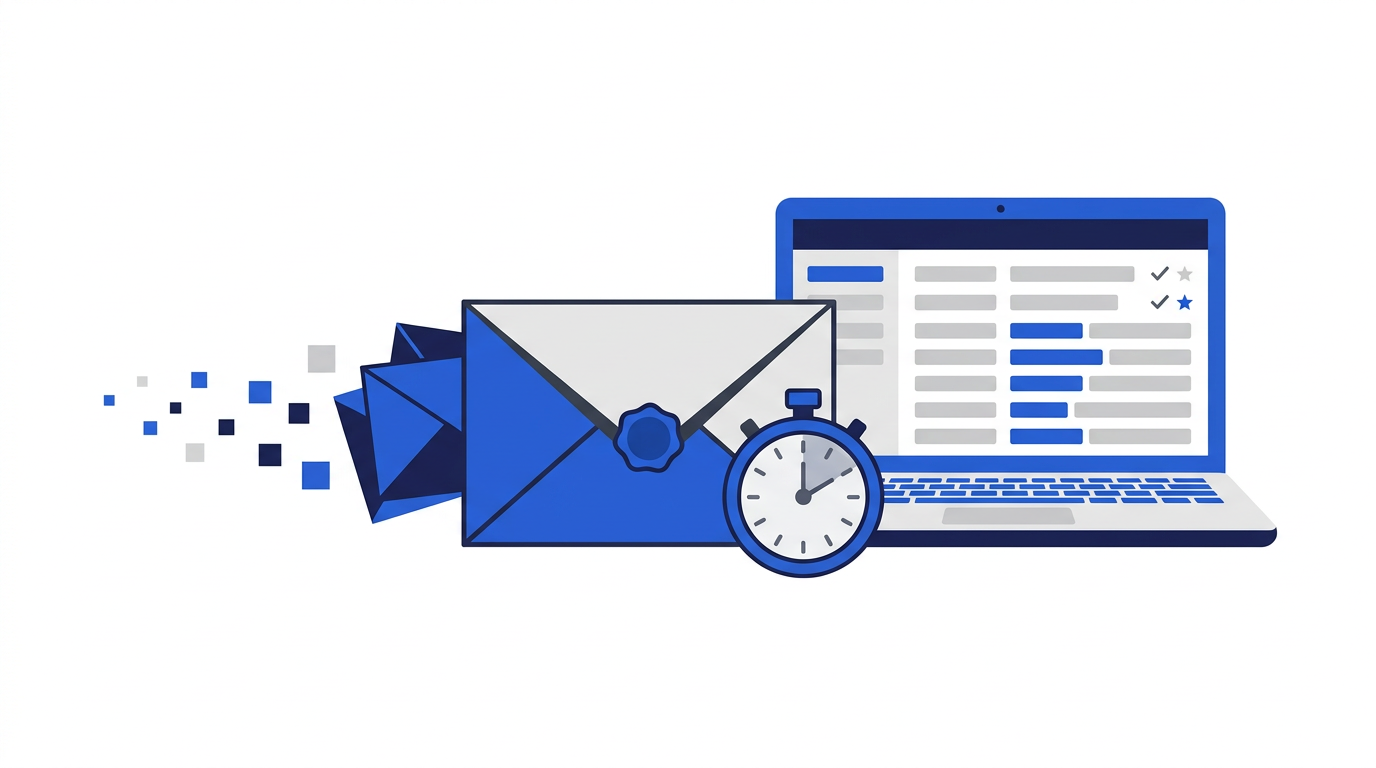
How 10 Minute Emails works
Behind the simple page there is a real mail system. Our domain, 10minemails.com, has mail exchange (MX) records that point to a mail-receiving service. When someone sends a message to your address, their mail server looks up those records and delivers the email to us, exactly as it would deliver to Gmail or Outlook.
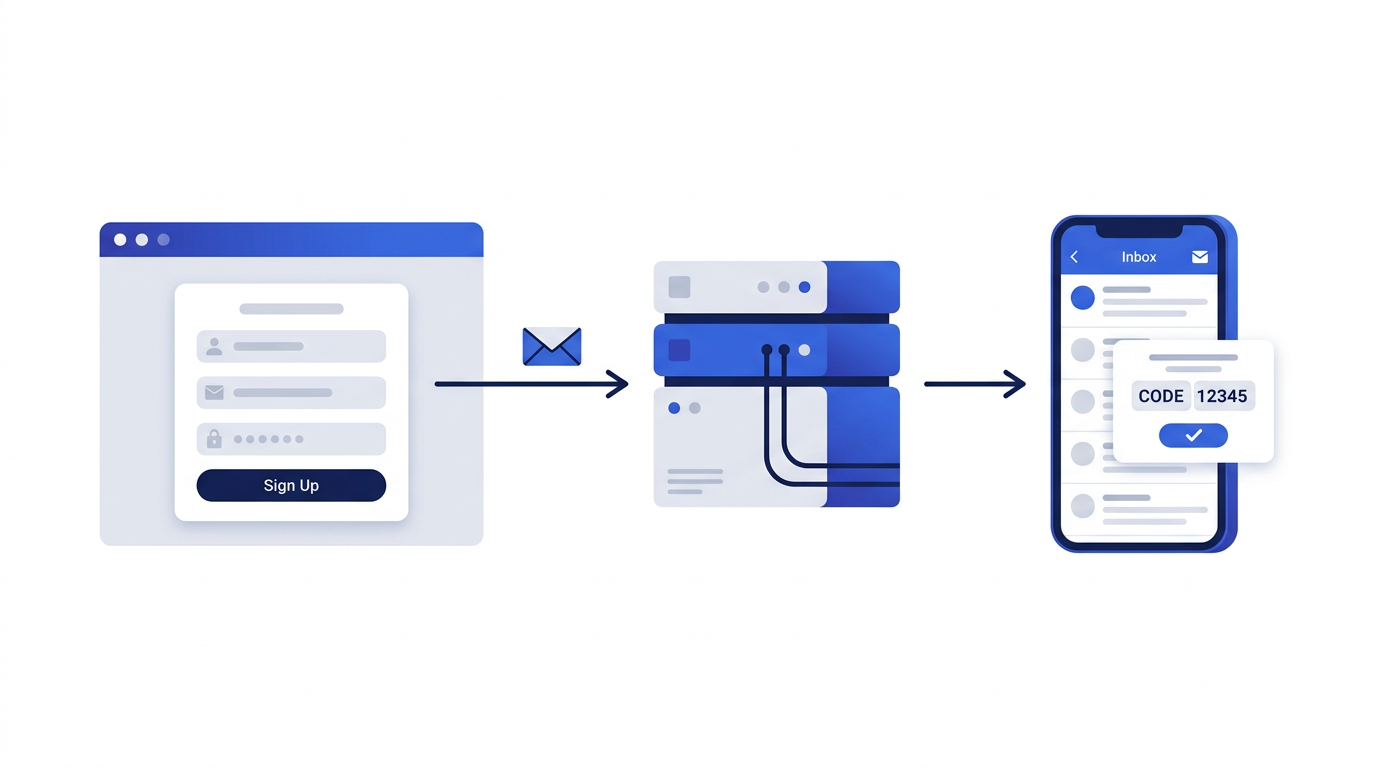
As soon as a message arrives, our system checks that the address exists and has not expired. Unknown or expired addresses are rejected at the door, so nobody can send mail into an inbox that no longer belongs to anyone. Accepted messages are parsed, cleaned of anything dangerous and stored against your inbox. The page you are looking at checks for new mail every few seconds and shows it in the list above without you needing to refresh.
What happens to your messages
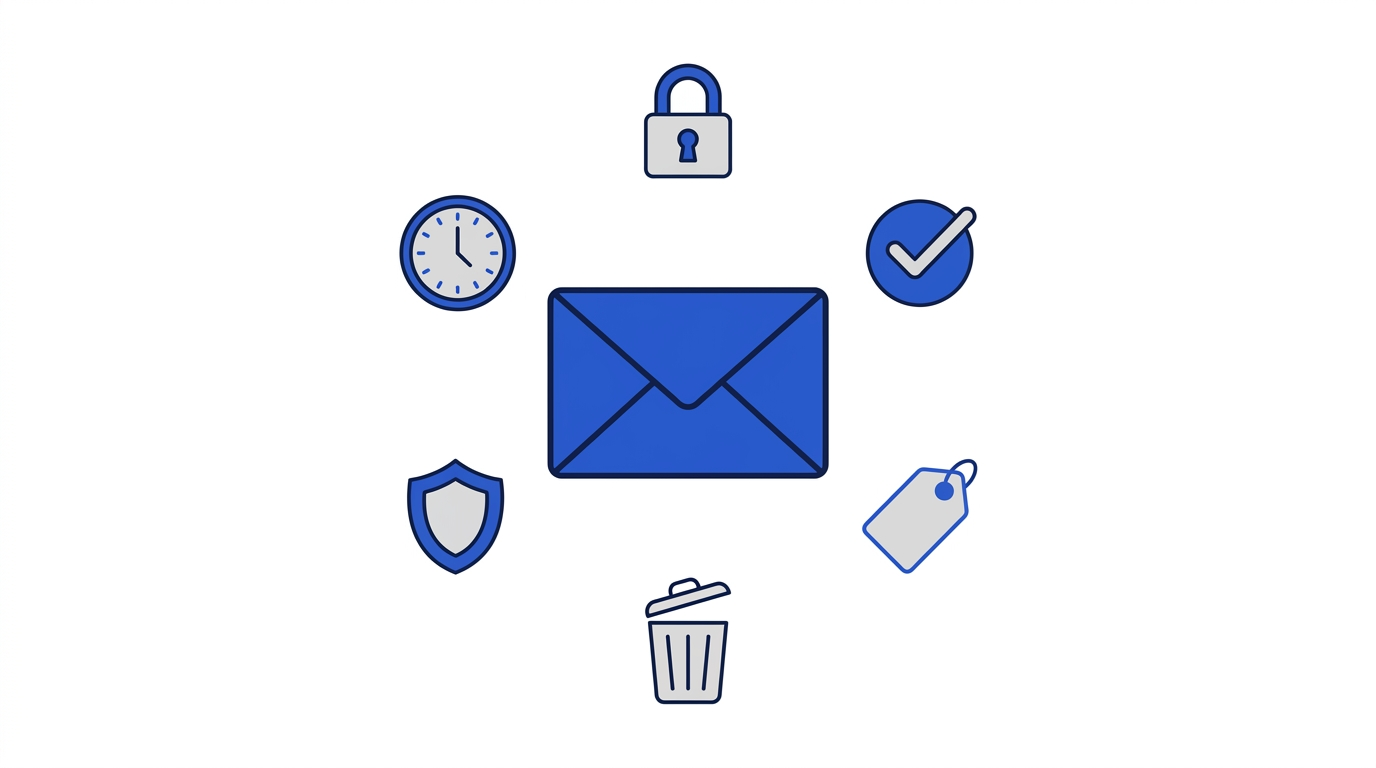
- Each inbox is tied to a private session key stored only in your browser. Without that key, nobody else can open your inbox, even if they know the address.
- HTML emails are sanitized before they are shown. Scripts, forms, embedded frames and hidden tracking code are removed.
- Remote images are blocked by default. Many marketing emails use invisible images to see when and where you opened them; blocking them keeps that information private.
- Attachments are listed by name and size, but files are never stored or served, so a malicious attachment cannot reach your device through this site.
- When the timer reaches zero, the address stops receiving mail and the inbox and all of its messages are deleted automatically.
Why use a disposable email address?
Your email address has quietly become your online passport. It is your login for dozens of services, the key to resetting their passwords, and a unique identifier that advertisers use to connect your activity across sites. Every time you hand it out you increase the chance that it ends up on a marketing list, gets sold, or leaks in a data breach. A disposable address lets you keep your real one for the people and services that genuinely matter.
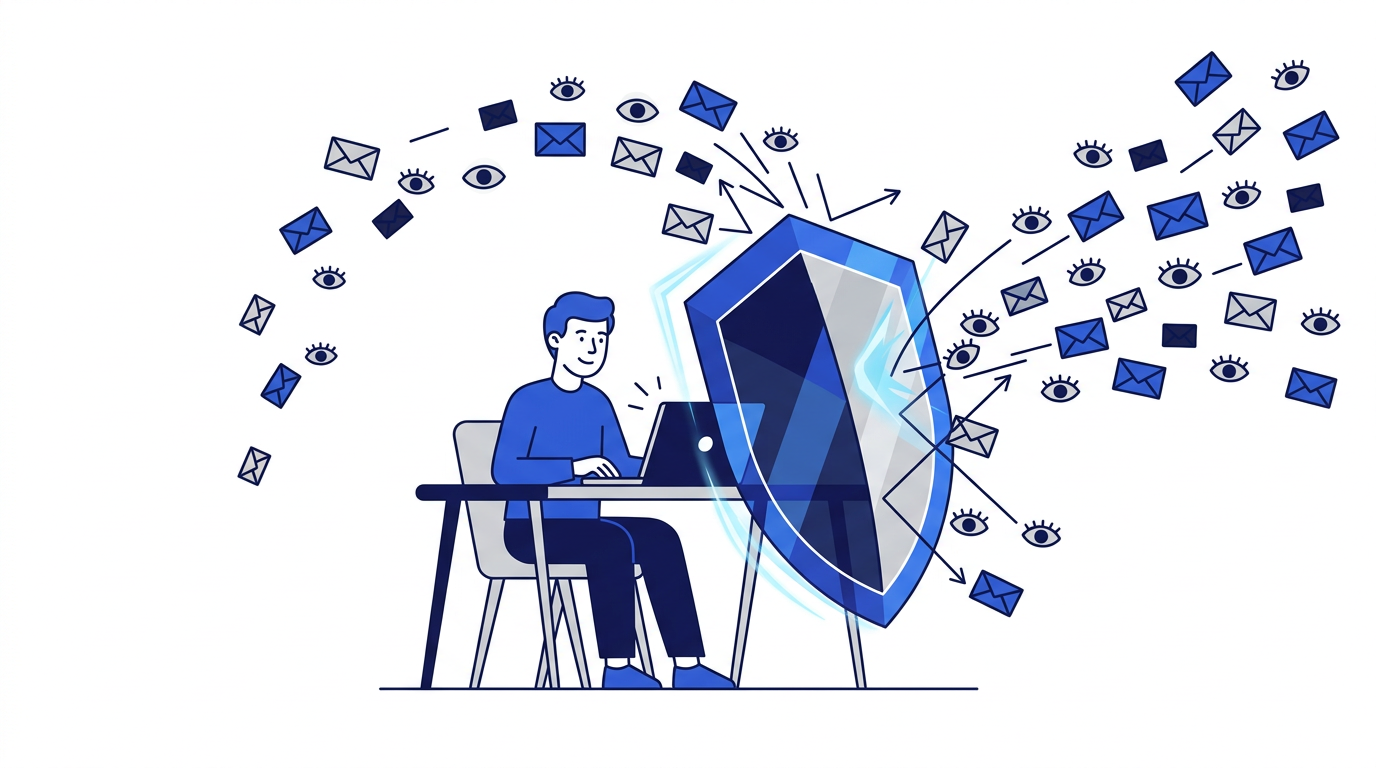
Stop spam before it starts
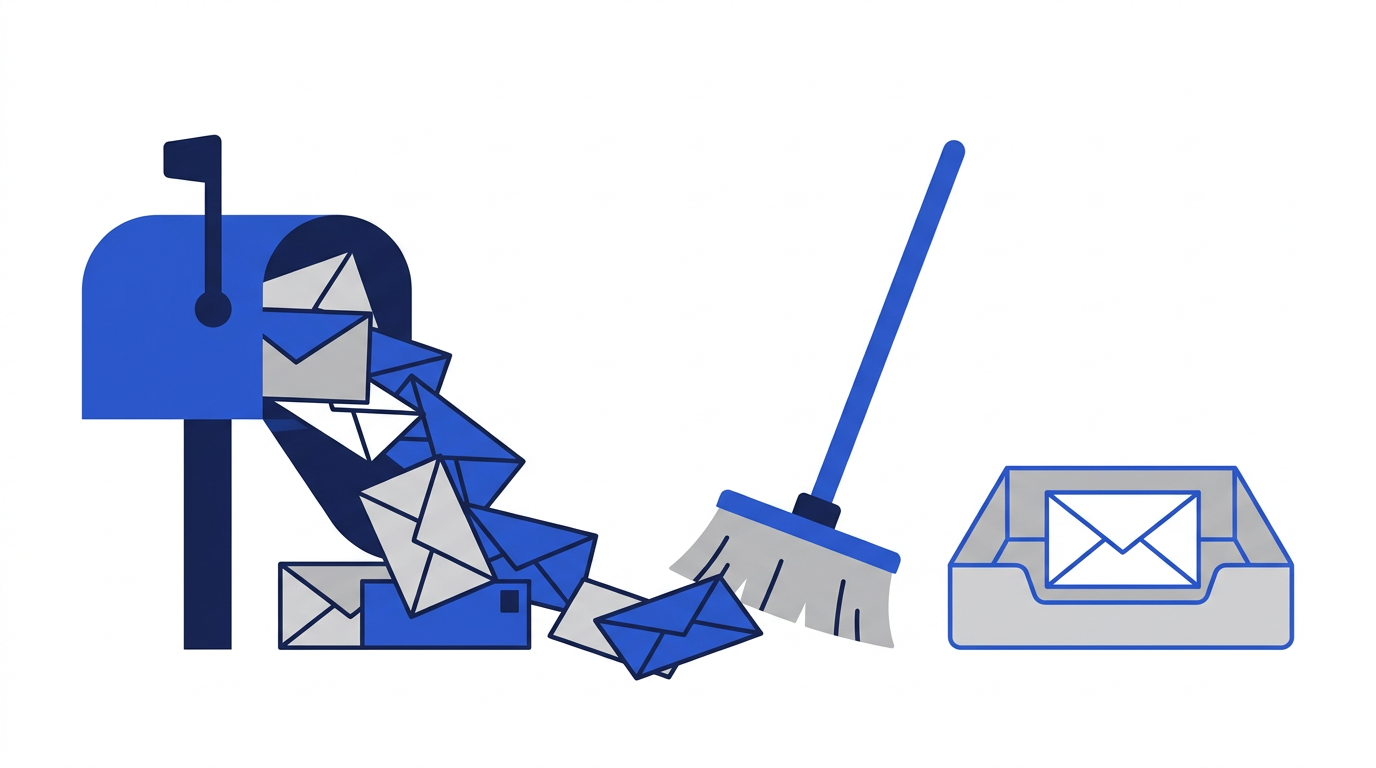
Spam filters work after the fact; they try to catch junk once it has already reached you. A temporary address prevents the problem entirely. If a site you signed up to once starts sending you three emails a week, it does not matter, because the address they are writing to stopped existing minutes after you used it.
Protect yourself from data breaches
Thousands of websites are breached every year, and email addresses are almost always part of the stolen data. Leaked addresses are used for phishing campaigns that look convincingly real because the attacker knows which services you use. If the address that leaked was a throwaway, the phishing has nowhere to land.
Stay anonymous where you want to
Sometimes you simply want to read an article, join a discussion or download a white paper without becoming a sales lead. A temporary email lets you do that without creating a lasting link between your identity and that site.
Common ways people use temporary email
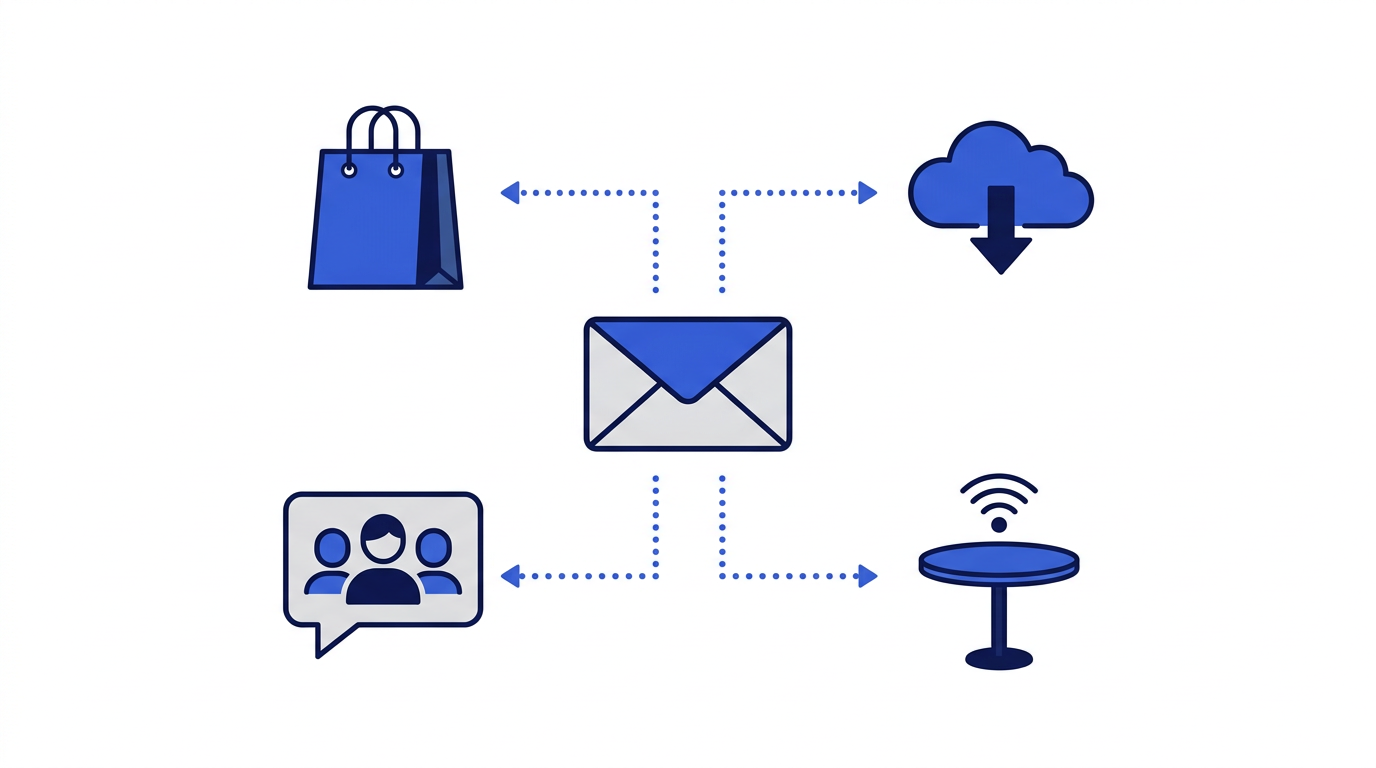
- One-time discount codes: many shops offer 10% off your first order in exchange for an email. Take the code, skip the newsletter.
- Public Wi-Fi portals: cafes, airports and hotels often ask for an email before they let you online. They rarely need to hear from you again.
- Downloads and gated content: e-books, templates, reports and free tools frequently sit behind an email form.
- Forums and comment sections: join a conversation once without committing your real address to a community you may never visit again.
- Trying out an app: see whether a new service is worth it before you connect it to your main inbox.
- Software testing: developers and QA teams use temporary inboxes to test signup flows, password resets and transactional emails without creating real accounts.
How to use your temporary email in three steps
- 1Copy your address. Click the copy button next to the address at the top of the page. It is copied to your clipboard instantly.
- 2Paste it where you need it. Use the address on any signup form, download page or verification screen.
- 3Read your email here. Keep this tab open. New messages appear in the inbox automatically, usually within a few seconds. Click a message to read it in full.
That is all there is to it. If you close the tab by accident, just come back: as long as the timer has not run out, your address and inbox will still be waiting for you in the same browser. When you are finished, you can press "Get New Email" for a fresh address or simply let the timer expire.
When you should not use a temporary email
Temporary email is a privacy tool, not a replacement for a real inbox. Because the address and its messages are deleted for good, anything you sign up for with it is effectively disposable too. Use your real email for anything you might need to get back into later.
- Banking, payments, investments or cryptocurrency accounts.
- Healthcare, insurance, tax and government services.
- Your main social media, work or school accounts.
- Anything you might need to recover with a password reset.
- Purchases where you need the receipt, tracking information or warranty emails.
Is temporary email safe and legal?
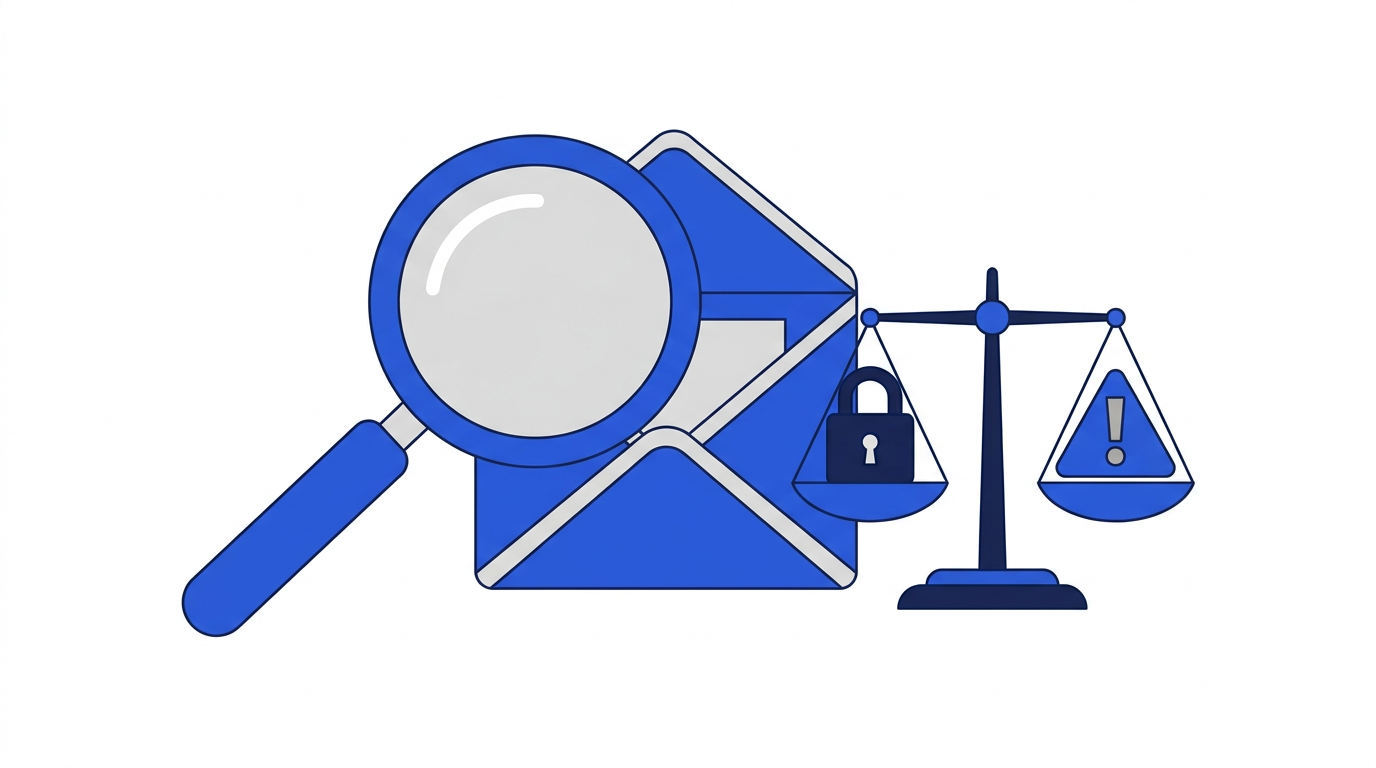
Using a disposable email address is legal and widely accepted as a sensible privacy habit. It is no different from choosing not to give your phone number to a shop assistant. What matters is how you use it: creating throwaway addresses to protect yourself from spam is fine; using them to commit fraud, harass people or abuse free trials in breach of a service's terms is not. Our Terms of Service prohibit illegal and abusive use, and we cooperate with valid legal requests.